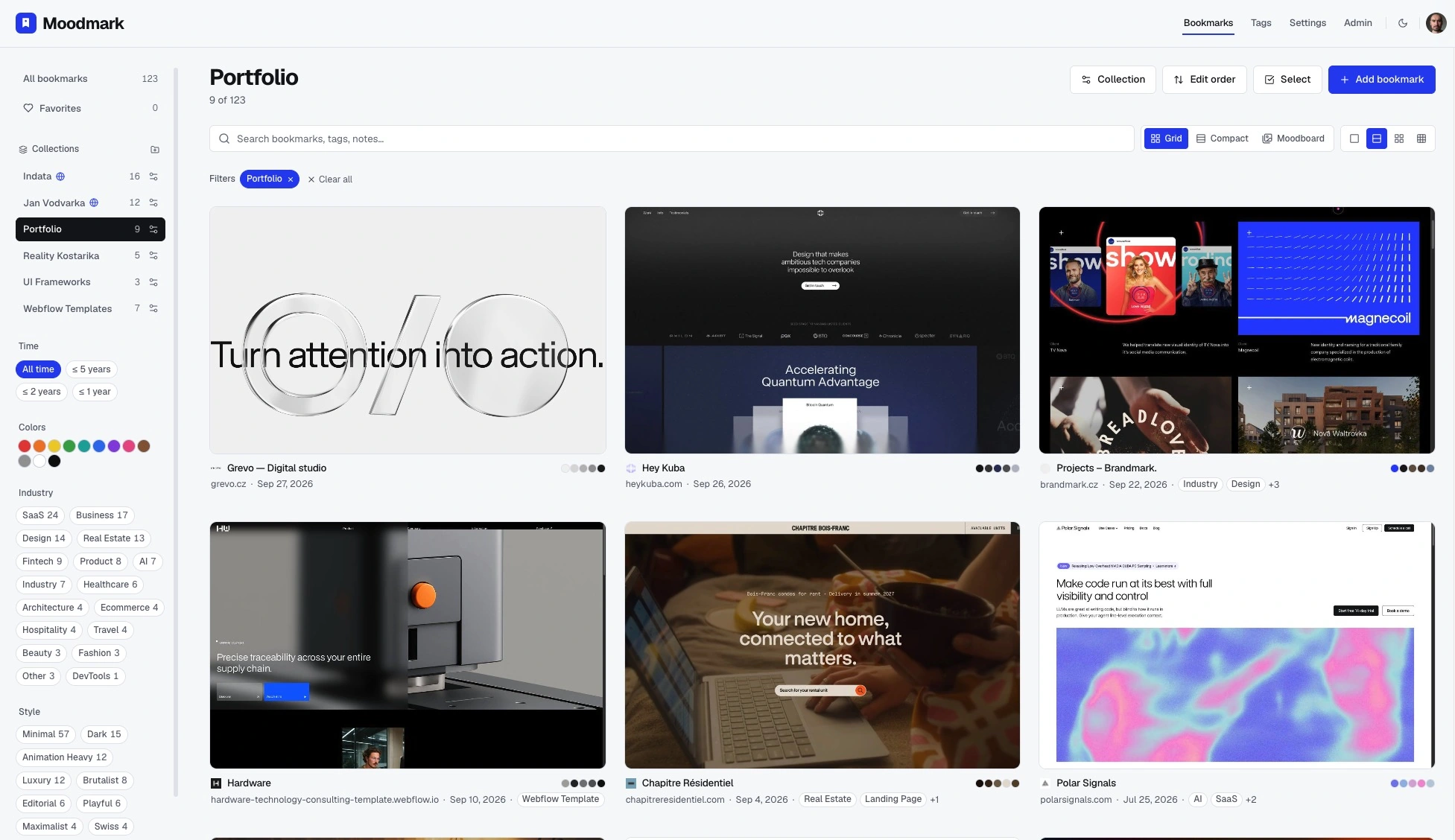
Save in one click
The Chrome extension keeps the screenshot, colors, fonts, and tech stack with every website.
Save the websites that move you.
Find them by how they look.
Keep inspiration close. Make something great.
Free for your first 50 bookmarks. No credit card.
That perfect reference is somewhere in your tabs.
Give it a place you’ll actually find it again.
Search by color, style, industry, or your own notes.
 Belle Oaks
 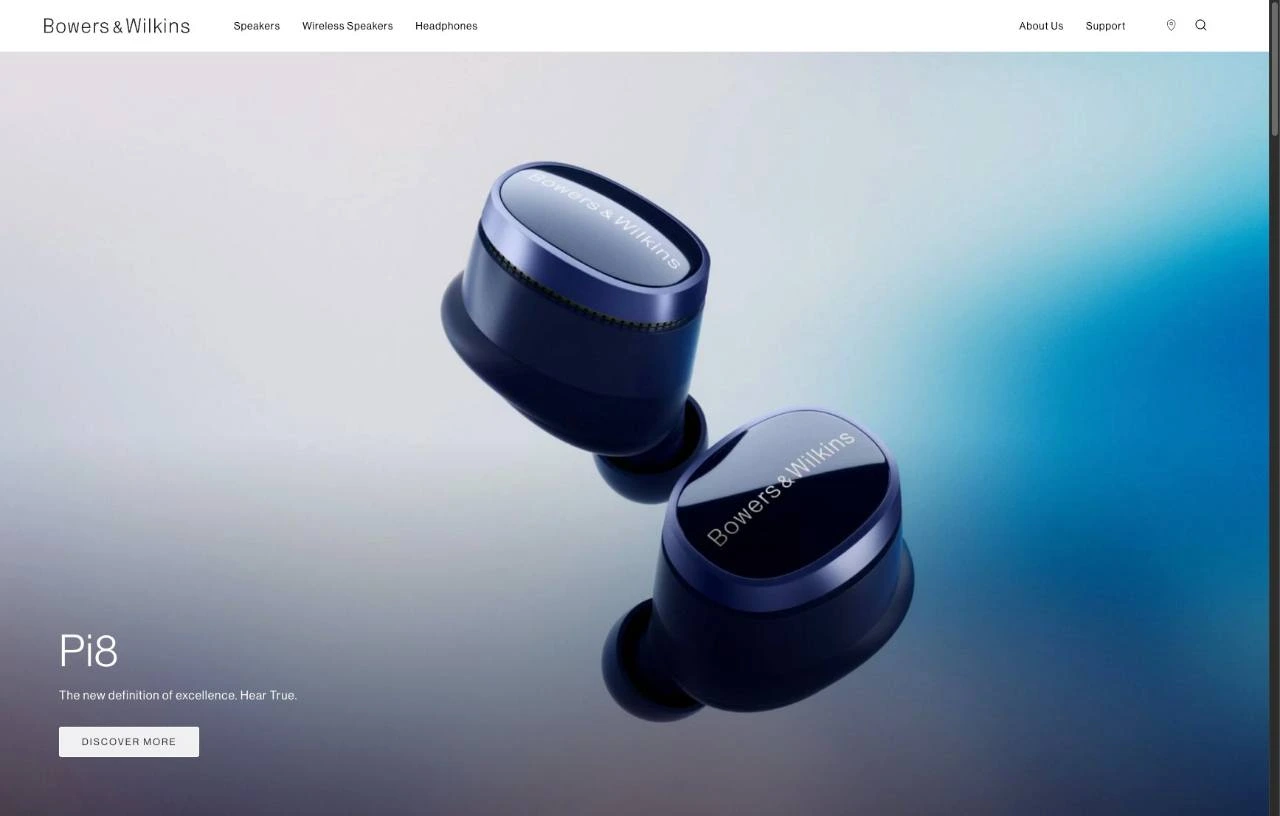 Bowers & Wilkins
 One click keeps the screenshot, colors, fonts, and source.
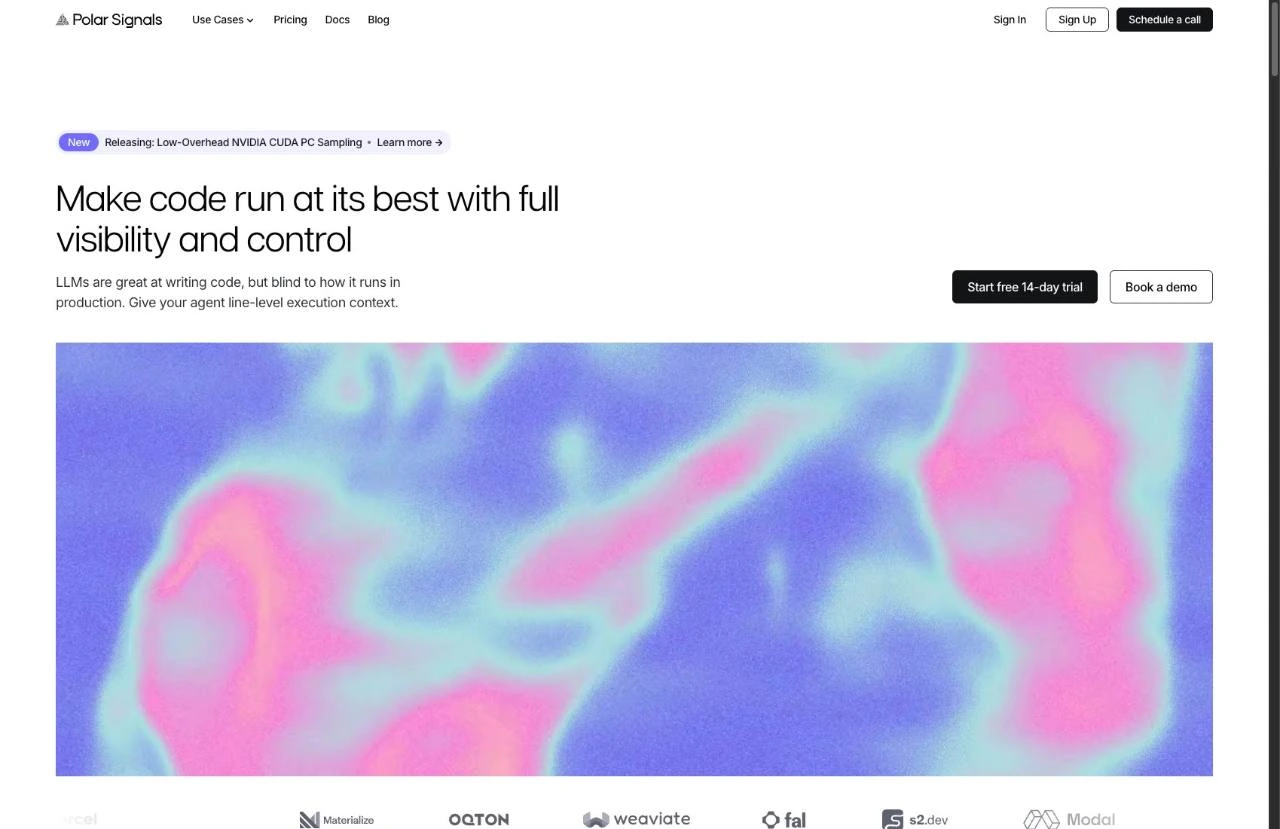
Send one link. Let clients and teammates explore and vote.
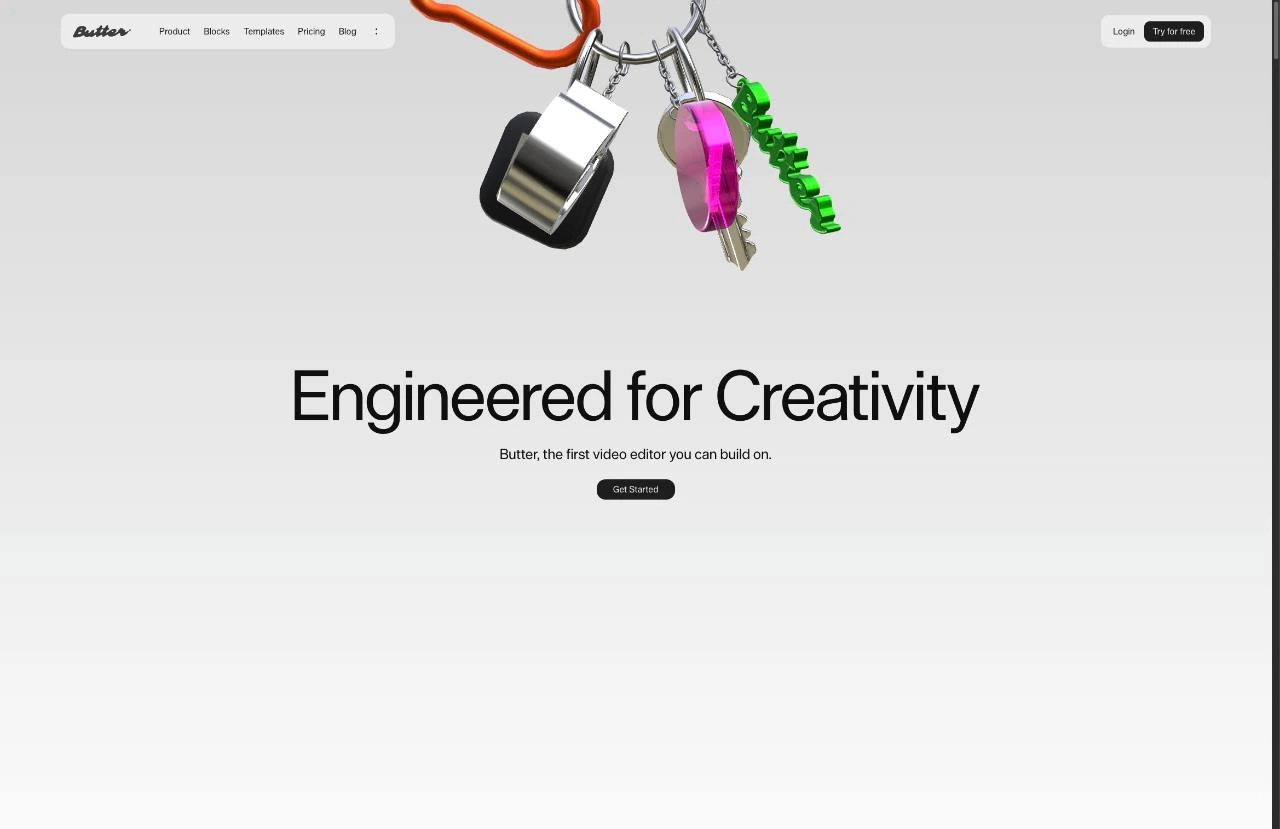
Save, sort, filter, and share. One library for the whole creative process.
The Chrome extension keeps the screenshot, colors, fonts, and tech stack with every website.
Narrow your library by color, style, or industry. The right reference comes back in seconds.
Moodmark suggests tags as you save. Add your own and combine them with any filter.
Group references by client, project, or mood. Your library stays tidy as it grows.
Send one public link. Clients browse the references and vote for their favorites.
Turn any saved website into a design.md brief for your AI builder. Premium.
Behind every good reference: a palette, a typeface, a feeling. Moodmark keeps the pieces together.
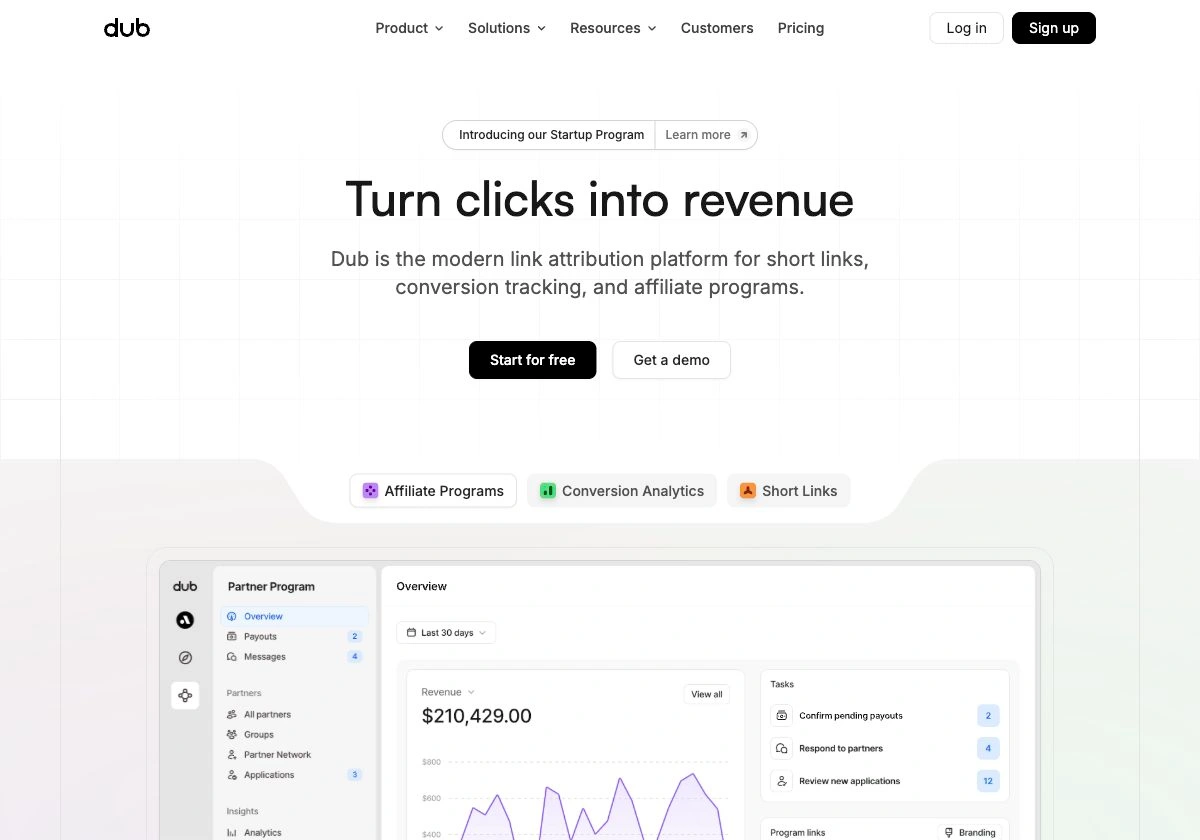
A website worth coming back to. Saved with its source, so the original is always close.
Give your next build a real design direction. Turn any saved reference into a brief with colors, typography, and layout cues.
Meet AI build prompts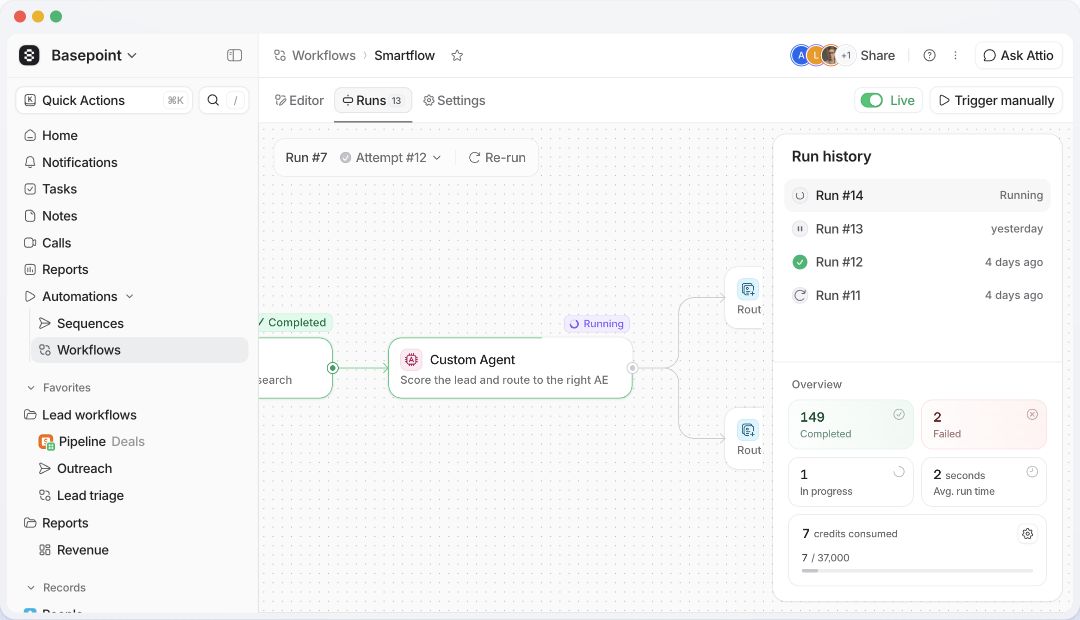
Light. Spacious. Precise.
White surfaces. Soft accents. Confident typography.
Sidebar → workflow canvas → run history
TAKE IT WITH YOUColor roles · CSS variables · Tailwind tokens
Connect Claude, Cursor or any MCP client. Your agent finds the references; Moodmark saves them to a collection you can explore by colour, style and industry.
Connect your agent“Find 18 studio and designer portfolios with bold editorial type, like good-fella.com. Open each one, then save them to Studio portfolios.”
Research by your agent. Screenshots and details kept together, ready for your next project.
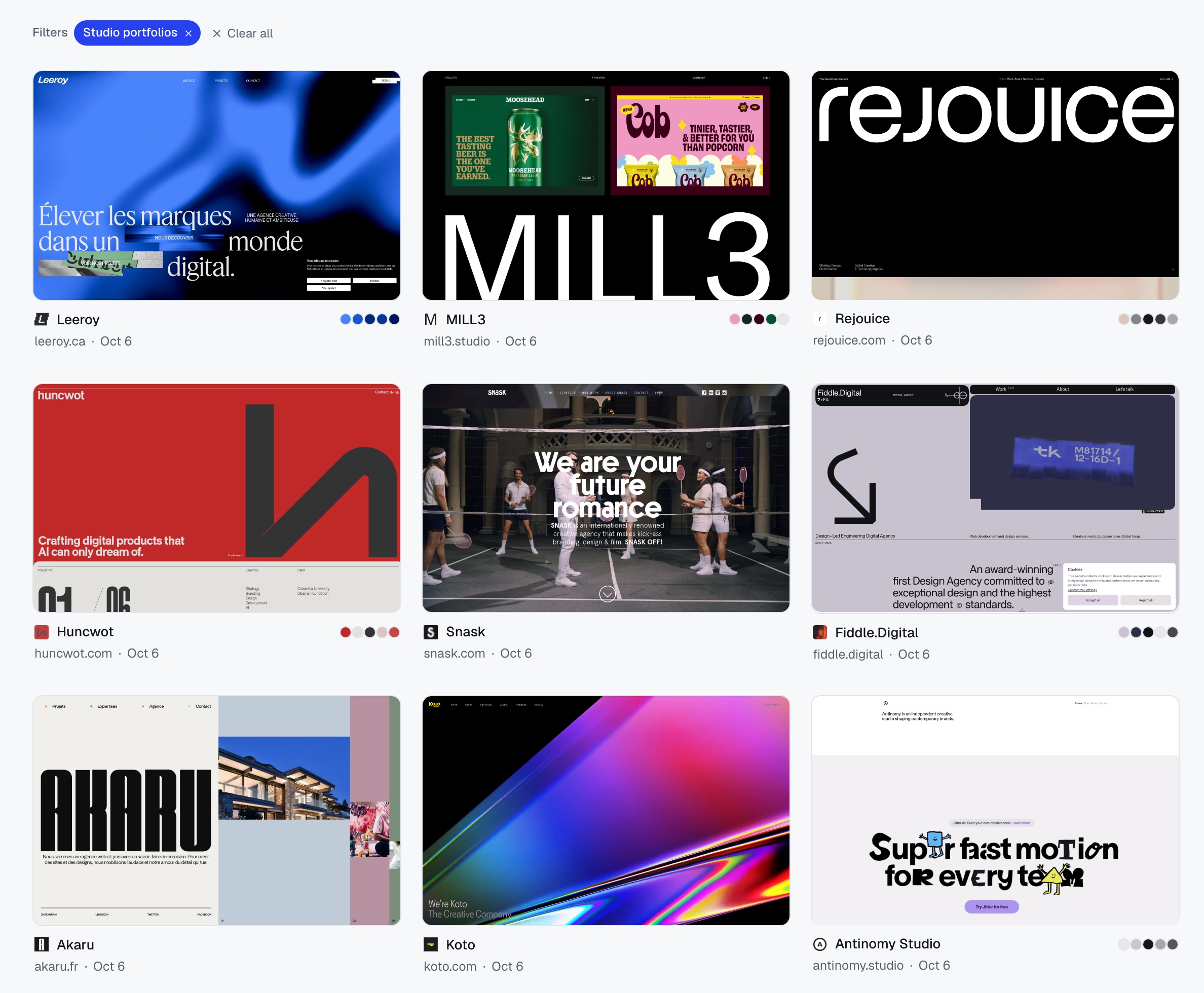
“I never remembered a reference by its title. I remembered the warm portfolio, the bold red landing page, or one tiny UI detail.”

A small home for your favorites. Or room for everything.
For the references you keep coming back to.
More room to explore. More ways to create.
Billed monthly. Cancel anytime.
Get PremiumEVERYTHING IN FREE, PLUSYour library starts free. No credit card required.
A visual home for the websites you want to come back to. Save a reference with its screenshot, colors, fonts, and notes, then find it by the details you remember.
A bookmark keeps an address. Moodmark keeps the visual context, too. Browse previews, filter by color or style, and bring related references together in collections.
Install the Chrome extension, open a page you like, and save it to your library. You can choose a preview, add notes, and organize it into a collection.
It is the fastest way to save. You can also add a website by its address right inside the app.
A screenshot, the color palette, the fonts, and the tech stack, together with the source link. Moodmark suggests tags, and you can add your own notes.
Yes. Moodmark suggests tags when you save, and you can add your own. Combine tags with color, style, and industry filters to narrow your library down in seconds.
Yes. Your library is visible only to you. A collection becomes public only when you choose to share its link.
Yes. Share a public link to one collection while keeping the rest of your library private. Visitors can open the source websites and vote for their favorite references.
Premium can turn a saved reference into a design.md brief with page structure, typography, color roles, CSS variables, and Tailwind tokens. Use the brief to guide tools such as Claude, Codex, Cursor, v0, Lovable, or Bolt.
Any tool that accepts a prompt or a Markdown file. Paste it into your AI builder, or drop the file into your project.
Yes. The Free plan includes up to 50 bookmarks, visual filters, the Chrome extension, and shared collections. No credit card required. Premium adds unlimited bookmarks and AI build prompts.
Yes. Premium is $5 a month or $48 a year, and you can cancel whenever you like.
Your favorite corners of the internet. All together.
Make room for inspirationStart free. Save something you love. Add to Chrome