
Why screenshots need more than storage
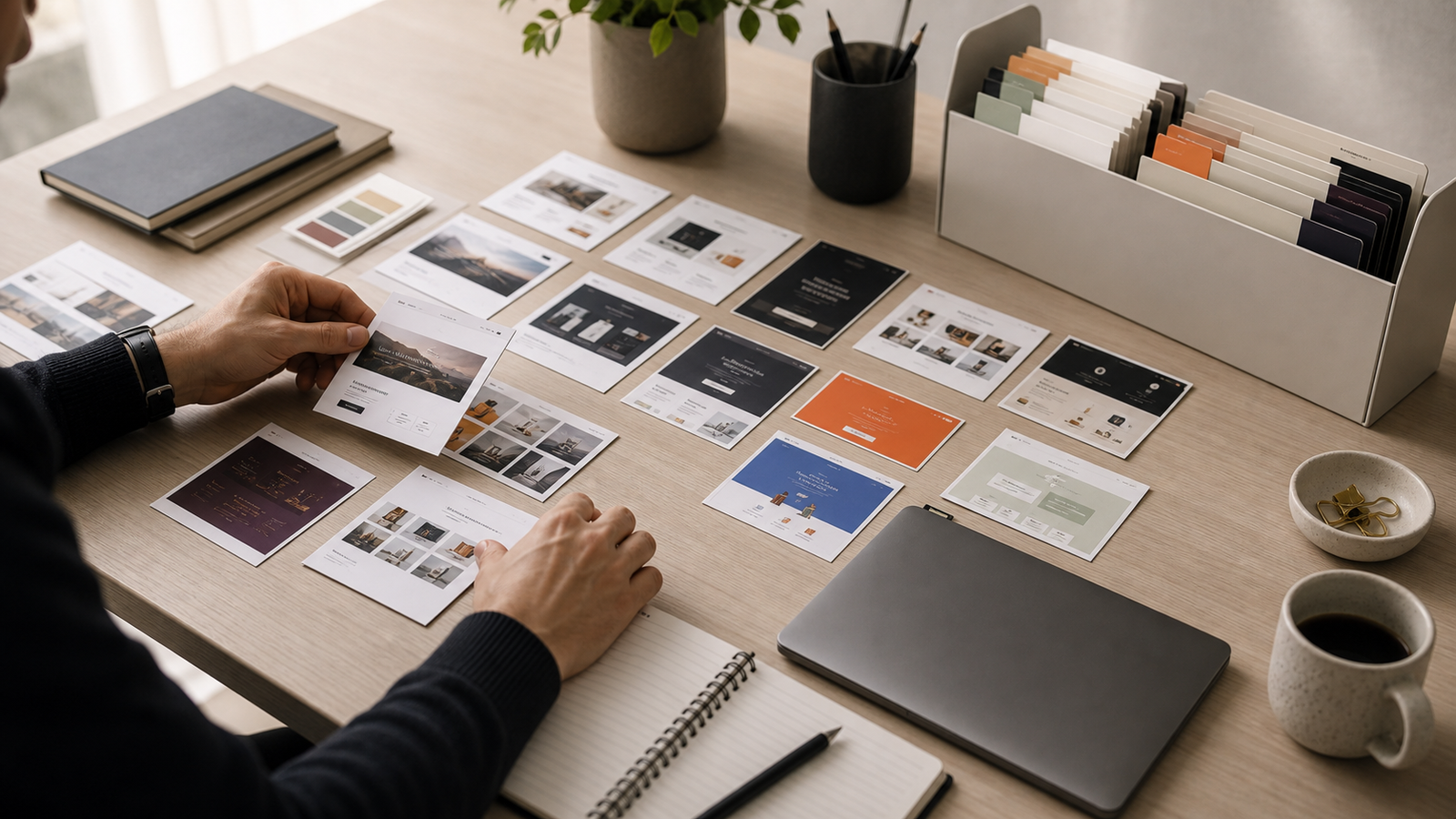
Designers take screenshots because screenshots are fast. They capture layout, typography, tone, spacing, pricing pages, onboarding flows, dashboards, empty states, and tiny interaction ideas before the reference disappears. The problem starts later. A folder full of unnamed screenshots does not explain why anything was saved, what project it relates to, or which detail was worth remembering.
A useful screenshot library is not just image storage. It is a working memory system for design decisions. The goal is to keep the visual reference, the source, and the reason you saved it close enough that future you can use it again without reconstructing the context from scratch.
What to save with every screenshot
A screenshot becomes more valuable when it carries a few pieces of context. You do not need a long note for every capture, but you do need enough information to make the image searchable and trustworthy later.
- The original URL, so the team can revisit the source when the page is still live.
- The page type, such as landing page, pricing, dashboard, onboarding, footer, navigation, or checkout.
- The mood or visual direction, such as editorial, minimal, playful, technical, luxury, dense, calm, or bold.
- The detail you cared about, such as card rhythm, hero copy, filter layout, CTA treatment, color palette, or mobile navigation.
- The project or client context, when the reference was saved for a specific brief.
Those fields turn a static image into a reusable design reference. Without them, the archive depends on visual memory. With them, the archive can be searched, filtered, reviewed, and converted into a useful prompt or design direction.
Save the source with the image
The source URL matters because websites change. A screenshot preserves what you saw, while the source confirms where it came from. Keeping both together gives you a more reliable reference. If the site is redesigned later, the screenshot still holds the visual moment. If the live page still exists, the source can reveal responsive behavior, copy structure, hover states, and related pages.
This is especially useful when screenshots are part of a client conversation. Instead of saying, "I found something like this somewhere," you can show the exact reference, explain the detail, and link back to the original site. That makes design discussions clearer and reduces the risk of misremembered inspiration.
Use tags that match how designers remember work
Most file systems encourage folders, but designers usually remember references by a mix of mood, component, industry, and layout. A single folder can only represent one of those ideas. Tags let one screenshot appear in many useful contexts at once.
A practical tag set
- Mood: calm, premium, playful, editorial, utility, technical, energetic.
- Page type: homepage, pricing, blog, dashboard, settings, onboarding, docs.
- UI detail: filters, cards, nav, footer, table, search, modal, form, empty state.
- Industry: SaaS, fintech, healthcare, devtools, ecommerce, agency, AI.
- Use case: client review, brand direction, product UI, copy reference, AI prompt.
The best tags are plain words the team will actually use. Avoid clever labels that only make sense in the moment. A smaller shared vocabulary is usually better than hundreds of one-off tags nobody remembers.
Make screenshots easy to compare
A screenshot archive becomes more useful when references can be compared side by side. Designers rarely need one isolated image. They need to see patterns: three pricing pages with different packaging strategies, five dashboards with dense but readable data, or several landing pages that use restrained editorial type.
This is where mood and detail filters matter. A designer preparing a new SaaS homepage can filter for "SaaS", "minimal", "hero", and "pricing" instead of scrolling through months of captures. The archive starts acting like a research surface instead of a dumping ground.
How Moodmark helps
Moodmark is built around this screenshot-first workflow. You can save visual references, organize them by mood and detail, keep the source attached, and turn a saved reference into a clearer AI build prompt when the team is ready to move from inspiration to execution.
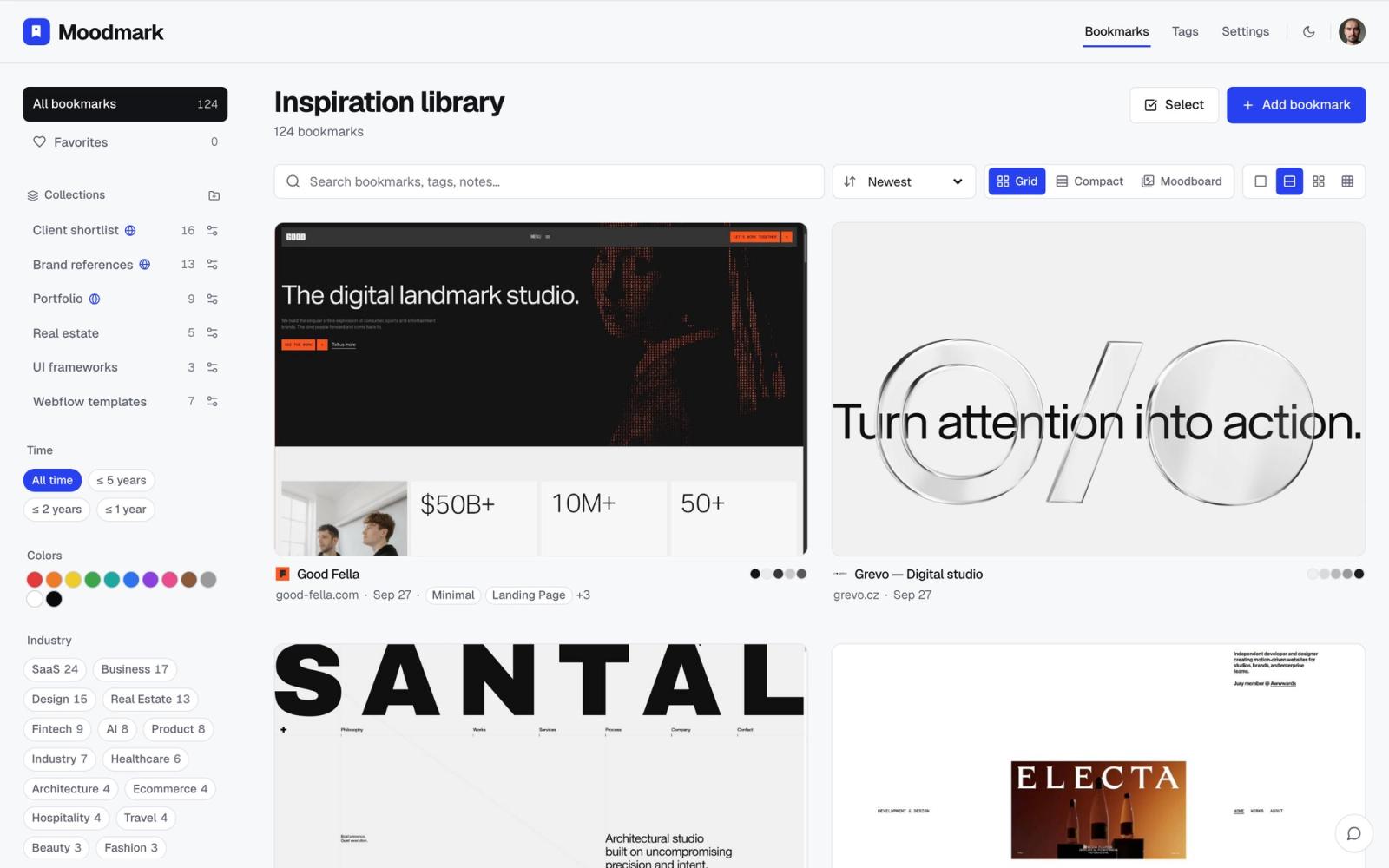
That does not mean every screenshot needs to become a prompt. The important part is that the same saved reference can support different jobs: research, team review, client alignment, visual direction, or implementation notes. The archive stays useful because the context travels with the image.
A simple workflow for designers
- Capture the screenshot while the visual detail is fresh.
- Save the original URL and add one short note about why it matters.
- Tag the screenshot by mood, page type, industry, and specific UI detail.
- Group related references into a board for the project or brief.
- Review the board before wireframing, client presentation, or AI prompting.
The habit is small, but the payoff compounds. Instead of losing useful inspiration in downloads, desktop folders, or private browser tabs, designers build a reference library that gets sharper every time a new screenshot is added.
Questions & answers
What is website screenshot bookmarking?
It is saving a screenshot together with its source URL, tags, notes, and collection context so the reference stays searchable and reusable.
Why not just keep screenshots in folders?
Folders store files, but they usually lose the source, the reason for saving, and the context needed to use the reference later.
Can a screenshot bookmark help with design briefs?
Yes. The saved screenshot, tags, and notes can become a stronger reference point for a brief or prompt than a loose image file.
