
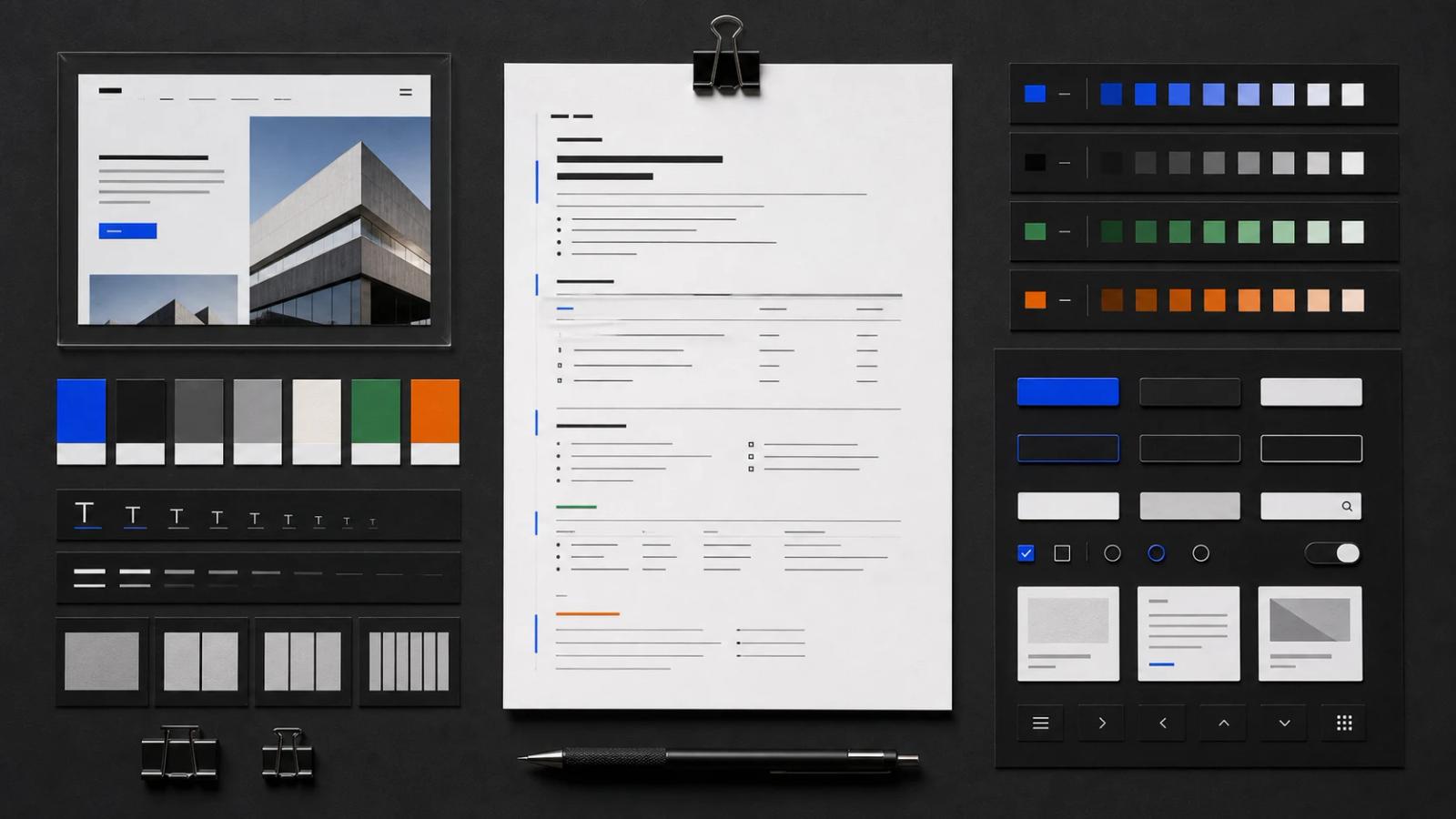
AI coding tools work better when visual direction is written down. A screenshot can show the target, but it cannot explain every choice. A long chat prompt may explain the choices once, but it is easy to lose as the project evolves. A design.md file keeps that context inside the project.
The filename is a practical convention, not an official standard implemented identically by every AI tool. You choose how it is referenced. Its strength is that Markdown is portable, readable by people, easy for agents to parse, and simple to version with the code.
What belongs in design.md
- Design intent: audience, tone, product qualities, and what the interface should avoid.
- References: screenshots, source URLs, capture dates, viewport sizes, and the reason each reference matters.
- Page structure: major sections and their hierarchy.
- Color roles: canvas, surface, text, muted, border, accent, and feedback colors.
- Typography: families, scale, weight, line height, and usage rules.
- Layout: container widths, grid, gutters, spacing rhythm, and breakpoint behavior.
- Components: buttons, inputs, cards, navigation, tables, and their states.
- Imagery and motion: art direction, crop, animation, easing, and reduced-motion behavior.
- Implementation tokens: CSS variables, Tailwind theme values, or links to the source token file.
A compact design.md example
# Product design brief

## Intent
Quiet, precise workspace for designers. Dense enough for repeated use, but never visually noisy. Avoid marketing gradients, decorative blobs, and oversized card layouts.

## References
- docs/design/library-desktop.png — layout density and filter hierarchy
- docs/design/library-mobile.png — responsive navigation and cards

## Structure
1. Fixed product navigation
2. Filter sidebar
3. Search and sorting toolbar
4. Responsive visual bookmark grid
5. Detail drawer

## Color roles
- canvas: #0b0c0e
- surface: #121418
- text: #f7f7f7
- muted: #92969f
- border: #262a31
- accent: #2740f0

## Typography
- display and body: Geist Sans
- metadata and tokens: Geist Mono
- compact labels; no negative letter spacing

## Components
- cards: 8px radius, thin border, no decorative shadow
- controls: stable 36px height, visible keyboard focus
- icons: Lucide, 16px in compact controls

## Responsive behavior
- desktop sidebar becomes a filter drawer below 900px
- grid moves from 3 columns to 2, then 1
- preserve 16px mobile gutters
How design.md differs from other project files
README.md
README explains the project, setup, and development workflow. design.md explains the intended visual and interaction system.
AGENTS.md or Cursor Rules
Agent instructions define how an AI should work: commands, boundaries, coding conventions, and verification. They can tell the agent to read design.md before changing interface code.
Design tokens
Token files are executable sources of truth. design.md explains why tokens exist, how they are used, and which reference informed them. Once a value is implemented, link to the code rather than maintaining conflicting copies.
Figma or screenshots
Visual artifacts provide evidence. design.md provides interpretation, constraints, and behavior that may not be visible in a static frame.
Where to put design.md
A small project can keep design.md at the repository root. A larger product may use docs/design/design.md plus page-specific briefs. Use one authoritative entry point and link outward rather than scattering repeated rules across many files.
How AI tools should use it
- Read design.md before planning UI changes.
- Inspect the referenced screenshots and current code.
- List any conflict between the brief and implementation.
- Reuse established components and tokens.
- Implement a bounded area and render it for comparison.
- Update design.md only when the design decision itself changes.
Keep it useful over time
Do not turn design.md into a transcript of every design discussion. Keep durable decisions, remove obsolete references, and link to code for details that are already implemented. Add a last-reviewed date only when the content has been substantively checked.
Moodmark generates a starting design.md from a saved visual reference, including prompt direction, page structure, palette and typography notes, CSS variables, and Tailwind suggestions. The generated brief should still be reviewed and adapted to the product rather than treated as automatic truth.
Questions & answers
Is design.md an official standard?
No. It is a useful project convention for storing visual direction in Markdown. Different teams and AI tools may structure or reference it differently.
Where should design.md live?
Keep it at the repository root for a small project or under a clear path such as docs/design/design.md for a larger one. Agent instructions should point to the authoritative file.
Should design.md contain design tokens?
It can contain initial or illustrative tokens, but implemented token files should remain the executable source of truth. Link to them and avoid maintaining conflicting values.
Can Moodmark generate design.md?
Yes. Moodmark can generate a design.md starting brief from a saved reference, including prompt direction, structure, color and typography notes, CSS variables, and Tailwind token suggestions.
