
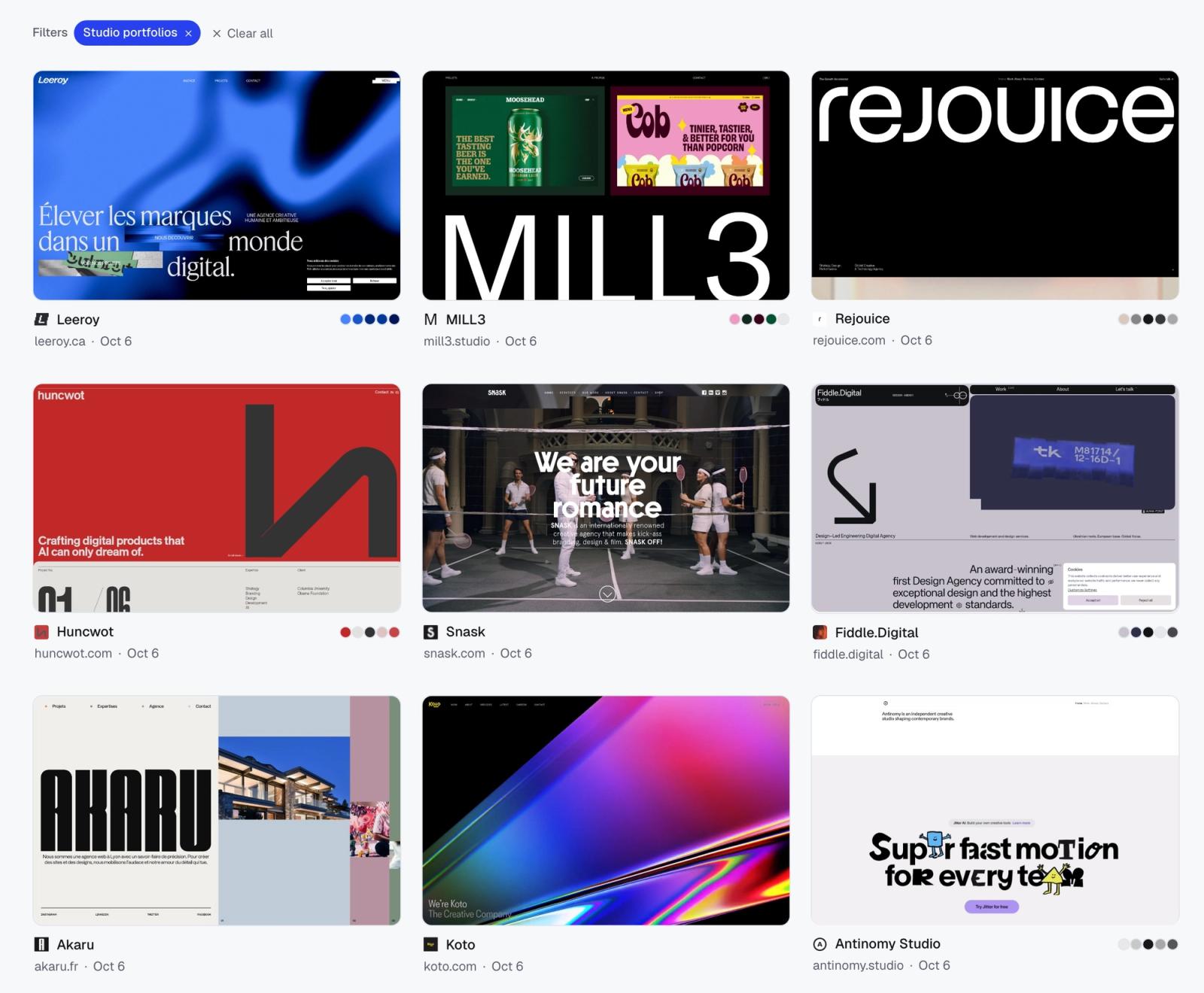
These prompts are written for an agent that can browse the web, such as Claude, Cursor or Codex, connected to a place where it can save what it finds. I use Moodmark through its MCP server, so the prompts mention collections, colours and tags, but the research half works with any agent that has a browser. Setup is on moodmark.design/agents.
Replace anything in square brackets. Everything else has been tuned through real runs.
What every good research prompt has
- References: two or three real URLs. They narrow a vague word like “editorial” down to one look.
- Visible traits: things you could circle on a screenshot, like “oversized serif headlines” or “full-bleed product photos”. Skip “clean” and “modern”.
- Verification: “open each one and check it”. Without this line, agents list sites from memory, and some of those are redesigned or offline.
- A destination: a collection name, so the results don't vanish into the chat.
Keep batches to 15 or 20. Ask for 60 and the agent starts padding the list with weaker picks.
Portfolio research
- 1. “Find 18 websites of design studios and independent designers with bold editorial typography and big imagery, like [good-fella.com] and [heykuba.com]. Open each one and check it has that look. Save them to a collection called Studio portfolios.”
- 2. “Find 12 personal portfolios of product designers that show case studies on the homepage, not just a grid of thumbnails. Open each and skip any that are behind a password. Save to Product portfolios.”
- 3. “Find 10 one-page portfolios with almost no imagery, where typography carries the whole layout, similar to [site]. Verify each loads properly. Save to Type-only portfolios.”
- 4. “Find 15 illustrator portfolios where the work fills the screen and navigation is minimal. Reject any built on a generic template. Save to Illustration portfolios.”
- 5. “Find 12 motion design studio sites with a showreel in the hero. Open each and confirm the video actually plays. Save to Motion studios.”
- 6. “Find 10 architecture practice websites with a strict grid and black and white photography. Save to Architecture refs and add a one-line note to each on what stands out.”
Why these work: each names a structural trait (case studies on the homepage, video in the hero), not a mood. The rejection rules, such as password walls and loaders that never finish, are what separate a verified list from a remembered one. Prompt 6 uses the note field, so your future self knows why a site was kept.
Competitor audits
- 7. “Here are my client's competitors: [list]. Open each homepage, skip any that redirect to a login or a holding page, and save them to [Client] competitors.”
- 8. “Find the 12 most visible direct competitors of [company] in [market]. Open each site and confirm they sell [product]. Save them to [Client] market.”
- 9. “Find 8 companies outside [industry] whose websites [client] could learn from: clear pricing pages and calm, confident design. Save to [Client] aspirational.”
- 10. “Find 10 newer [category] startups that launched in the last two years. Open each and skip any that look abandoned. Save to [Client] challengers.”
- 11. “Search my [Client] competitors collection and summarise which fonts, colour families and site builders come up most. Point out anything nobody in the set is doing.”
- 12. “Compare [Client] competitors with [Client] aspirational. List three visual moves the aspirational set makes that the competitors don't.”
Why these work: splitting direct competitors, challengers and aspirational examples into separate collections keeps the comparison honest. Prompts 11 and 12 don't browse at all; they read what was already captured, so the answers are based on fonts and tech the library recorded rather than the agent's memory of the brands.
Client moodboards
- 13. “Find 15 restaurant websites with warm, photo-led layouts like [site] and [site]. Skip any that are mostly text or a PDF menu. Save to [Client] moodboard.”
- 14. “The client described their brand as [three words from the brief]. Turn that into visual traits you could see on a homepage, show me the traits first, then find 12 sites that match and save them to [Client] direction A.”
- 15. “Build two contrasting directions for [client]: 8 sites that are quiet and editorial, and 8 that are loud and graphic. Save them to [Client] direction A and [Client] direction B.”
- 16. “Search my library for sites tagged [industry], pick the 10 closest to [reference site], and add them to [Client] moodboard.”
- 17. “Find 10 websites with the opposite feel of [client's current site]. Explain in one line per site what makes it the opposite. Save to [Client] not this.”
Why these work: prompt 14 makes the agent translate brand adjectives into visible traits before it searches, and you get to correct the translation before it spends time browsing. Prompt 16 reuses your existing library; already-saved sites are simply added to the new collection, not duplicated. Prompt 17 is underrated in client meetings, because showing what you are moving away from is often clearer than showing where you are going.
Colour and type research
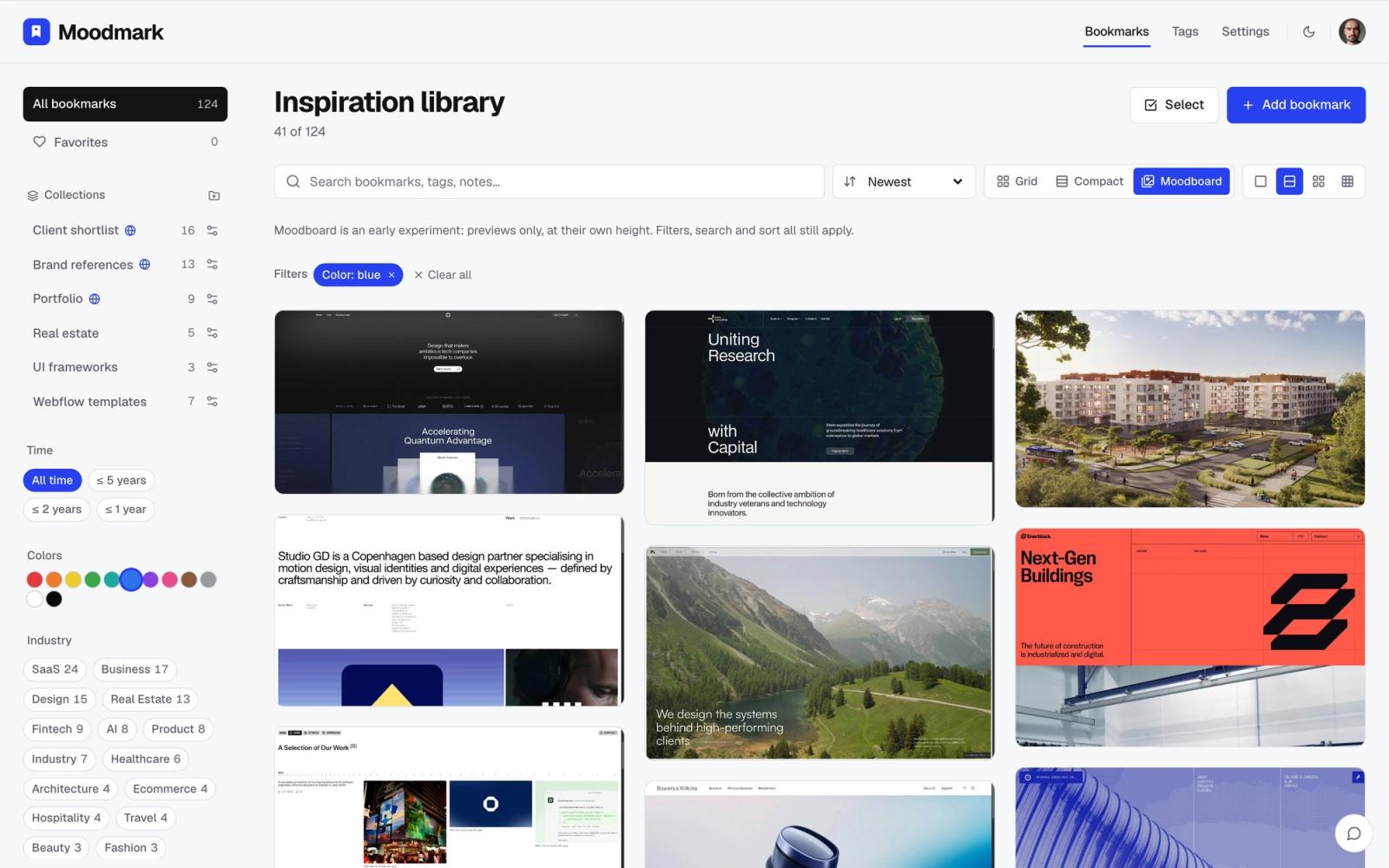
- 18. “Search my library for sites in green and tell me which three would suit a calm wellness brand, and why.”
- 19. “Find 12 websites that use a single saturated accent colour on an otherwise black and white layout. Open each to confirm. Save to One accent.”
- 20. “Find 10 sites that pair a serif display face with a grotesque for body text, similar to [site]. Save to Serif and grotesque.”
- 21. “Search my library for [typeface name] and list every site that uses it, grouped by collection.”
- 22. “Look at my [Collection] collection and list the colour families and fonts that appear most. Suggest a starting palette direction based on that.”
- 23. “Find 10 brand sites with a dark mode that feels warm rather than blue-black. Verify each in the browser. Save to Warm dark.”
Why these work: Moodmark captures fonts when a site is saved, so searching by typeface name finds matches across years of saves. Colour search works by family: red, orange, yellow, green, teal, blue, purple, pink, brown, gray, black and white. One catch: the palette for a new save is extracted the next time you open your library, so open the app once before asking colour questions about sites the agent has just added.
Cleaning up a library
Agents can't delete or edit bookmarks, which is deliberate. They can still do the tedious half of cleanup: finding, checking and regrouping, so you only make the final calls.
- 24. “List all my collections with their counts. Flag any with fewer than three sites and any that look like duplicates of each other.”
- 25. “Go through [Collection], open every saved site, and list the ones that are now offline, redirect elsewhere, or have clearly been redesigned.”
- 26. “Go through [Collection] and list every saved site that has no tags yet, by domain, so I can tag them in one sitting. Then do the same for [Collection].”
- 27. “Find everything I saved that mentions [topic] in the title, note or tags, and add it all to a new collection called [Topic].”
- 28. “Read my tags with list_tags, then suggest which ones overlap or could be merged. Don't change anything, just give me the list.”
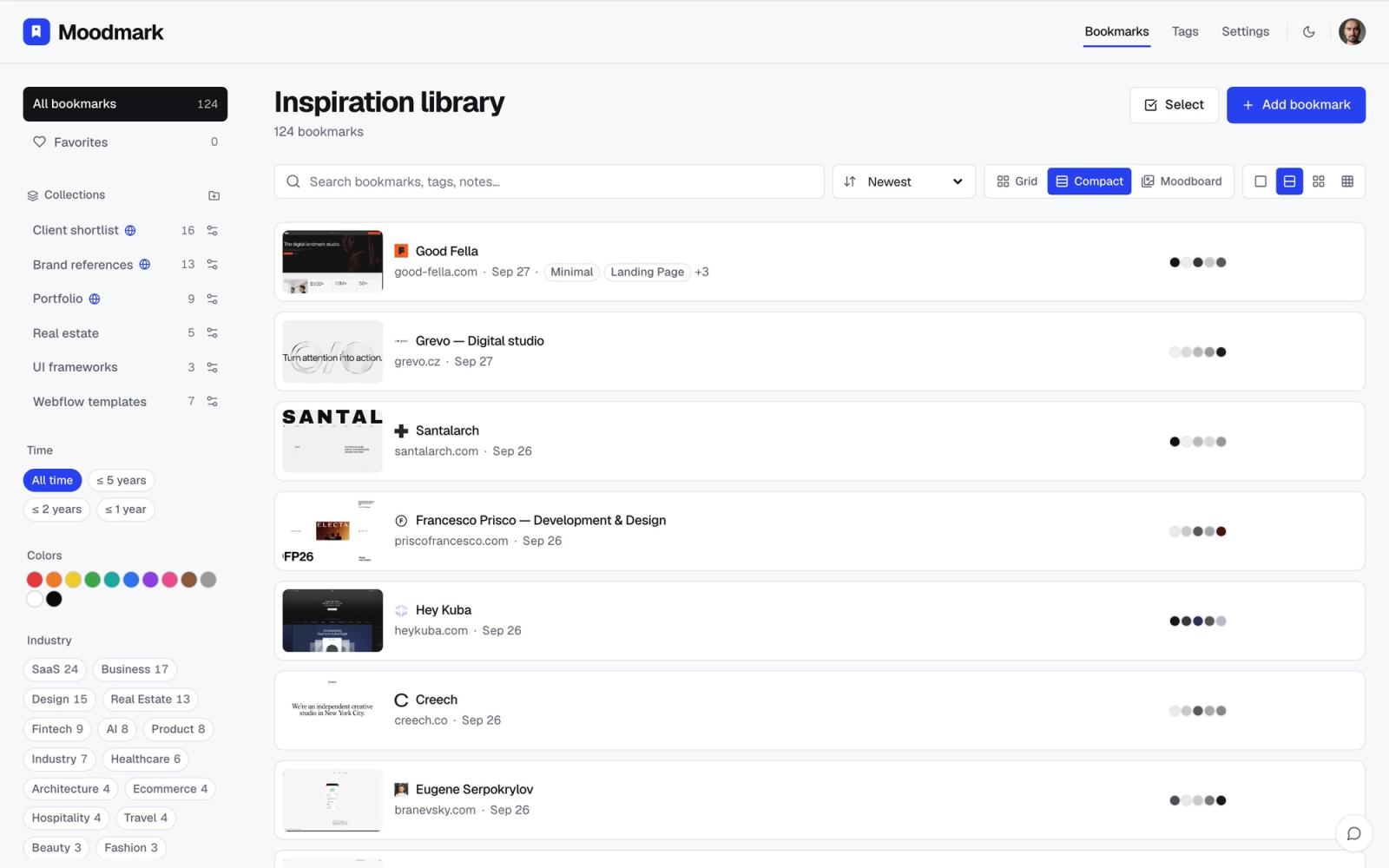
Why these work: they split the job the right way. The agent opens a hundred tabs and reports back; you delete, retag and rename in the app. Prompt 27 relies on the same behaviour as prompt 16: existing bookmarks are added to a collection, not copied.
Small changes that improve any of these
- Add “reply with the collection link when you're done” if your agent doesn't do it by default.
- Add “call list_tags first and tag new saves with matching existing tags”. Only tags that already exist in your library can be applied.
- Add “tell me which sites you rejected and why”. It is the quickest way to check the agent understood the brief.
- On the free plan, keep batches small. Agent saves count toward the 50 bookmark limit.
Questions & answers
What is a good AI prompt for finding design inspiration?
Name two or three reference sites, describe visual traits you could point at on a screenshot, tell the agent to open and verify each site, and give it a collection to save into. For example: find 15 portfolios with bold editorial typography like good-fella.com, open each to check, and save them to Studio portfolios.
Why does my AI agent suggest outdated or broken websites?
It is answering from memory. Add an explicit instruction to open each site in the browser and check it before including it, and ask it to report which sites it rejected.
Can an AI agent search my existing design references?
Yes, if it is connected to your library. Through the Moodmark MCP server an agent can search saved sites by text, colour family, tags and collection, including the fonts and tech stack captured on save.
How many websites should I ask an agent to find at once?
Around 15 to 20. Larger requests tend to get padded with weaker or unverified picks. Review a batch, then ask for more.
