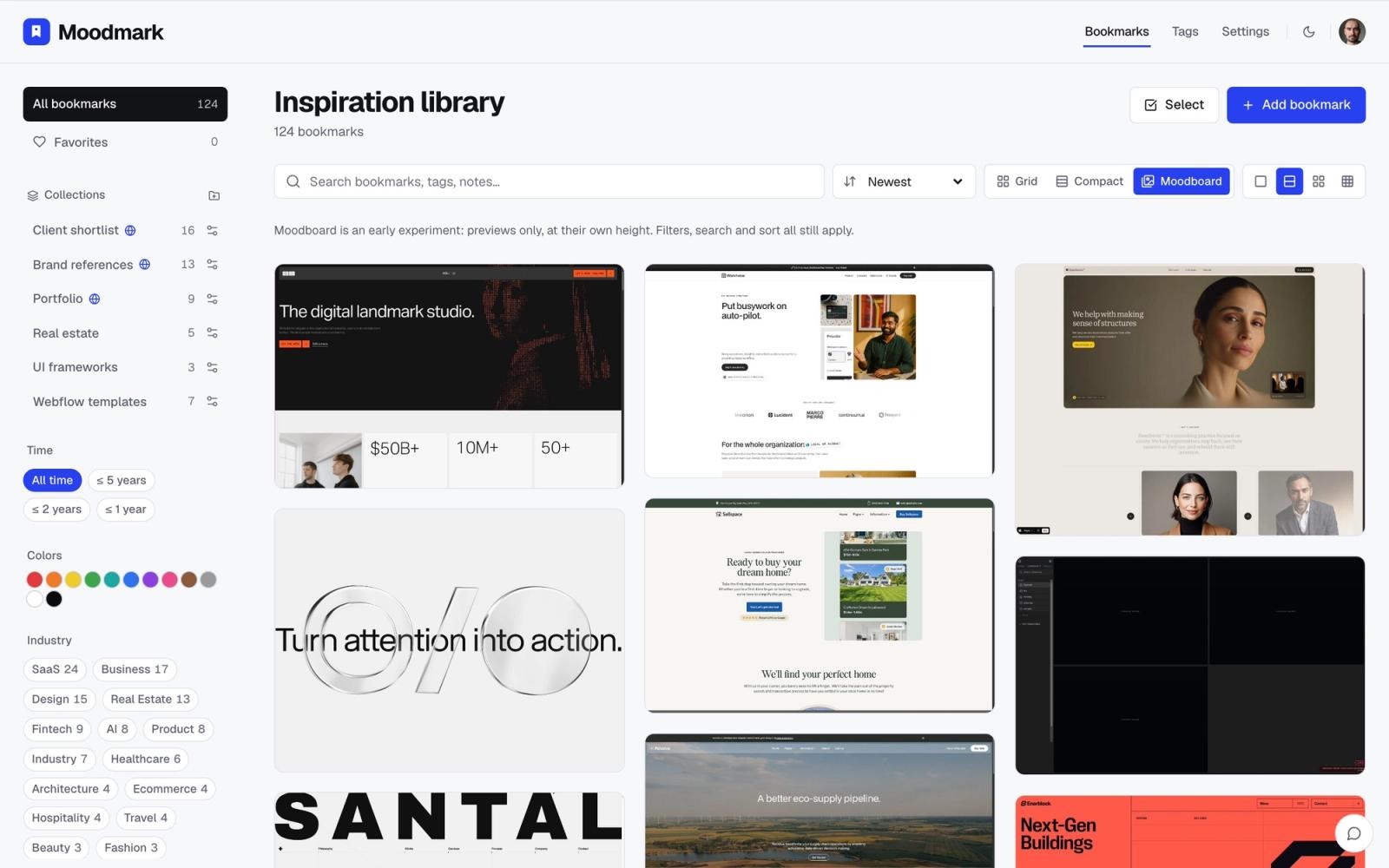
Why style matters more than category
When you remember a reference, you almost never remember it by what the company sells. You remember the warm beige portfolio, the harsh black-and-white grid, the site that felt like a Swiss type specimen. That's a style memory, not an industry memory, which is exactly why browsing a folder called "SaaS" or "Fashion" so often fails to turn it up.
This matters most at the moment you actually need a reference: a client asks for "clean but bold," or you're staring at a blank page and want three sites that nail a specific mood before you start designing. Industry has nothing to do with that search. Style is the whole search.
It also explains why style-first inspiration sites like Awwwards or Land-book get bookmarked constantly but rarely get mined afterward. Browsing them once for a mood is easy; coming back three months later and finding the specific site you liked is a different problem, and it's the one this article is actually about. The browsing is never the hard part. Retrieval is.
The problem with organizing by industry or client alone
Folders by client or industry are useful for billing and project handoff, but they group sites by what they sell, not by what they look like. A fintech dashboard and a boutique hotel site can share almost identical grid logic, type scale and restraint; a folder structure built around "who the client is" will keep them apart forever.
In practice, most people's reference habit is a single flat list of bookmarks, or a handful of loosely named folders that stop meaning anything after a few months. There's no way to ask "show me the ones that looked like this" because nothing you saved recorded how it looked in the first place.
Build a simple style taxonomy before you need it
The fix is to tag what you save with a short, consistent set of style words, and reuse the same words every time instead of inventing a new one per site. Below is a starting list broad enough to cover most of the web. You don't need all of it on day one; five or six tags that describe the work you actually look at is plenty to start.
Layout and composition
- Minimal - large whitespace, few elements, a restrained palette
- Swiss - grid-driven, strict type hierarchy, almost no ornament
- Editorial - magazine-like layouts, pull quotes, asymmetric grids
- Maximalist - dense, layered, several things happening at once
Surface and material
- Glassmorphism - frosted, translucent panels with soft shadows
- 3D - rendered objects, depth, realistic lighting
- Gradient - color transitions used as the main visual device
- Bold Color - flat, saturated color blocks carrying the identity
Mood and era
- Dark - dark backgrounds, high contrast
- Light - white or pale backgrounds, an airy feel
- Retro - visual cues borrowed from a specific past decade
- Hand-drawn - illustrated, sketch-like, deliberately imperfect lines
- Playful - rounded shapes, bright accents, an informal tone
- Luxury - restrained color, serif type, generous spacing
- Typographic - type is the main visual element, images are secondary
- Animation Heavy - motion and transitions carry most of the design
If a reference doesn't fit any tag you already have, that's the signal to add one, not to force it under the nearest match. A taxonomy you keep adjusting slightly as you go stays honest; one you fixed on day one and never touched again slowly stops describing what you're actually saving.
How to tag and filter by style as you save
The workflow is simple: when you save a site, add one to three style words from your list alongside whatever client or industry tag you were going to add anyway. The style tag is the one doing the real work later, so don't skip it just because the industry tag felt like enough.
In Moodmark, this is close to a one-click step. Saving a site captures the screenshot, its color palette and fonts automatically, and pressing Suggest on the tags field reads that screenshot and proposes style tags with a short reason for each one, grounded in what's actually visible. You accept, edit or dismiss each suggestion before anything is added, so the catalog stays made of tags you'd actually reuse instead of filling up with one-off near-duplicates.
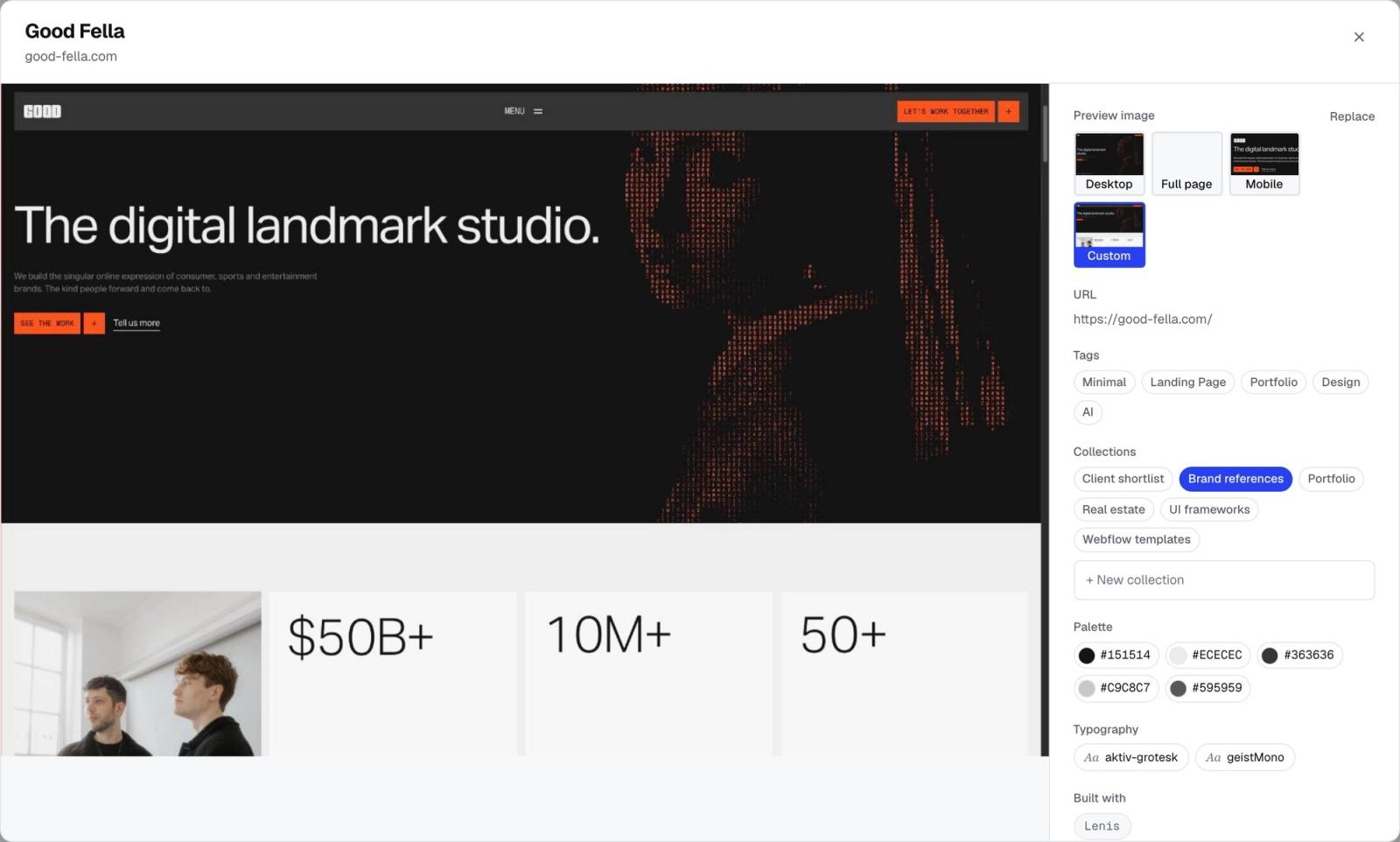
Once a reference is tagged this way, filtering is the payoff. Click "Brutalist" or "Swiss" in your library and it narrows to only the sites that fit, no matter which client folder or industry category they'd otherwise be sitting in. That's the search you actually wanted; the industry tag was never going to get you there.
Keep a large library scannable as it grows
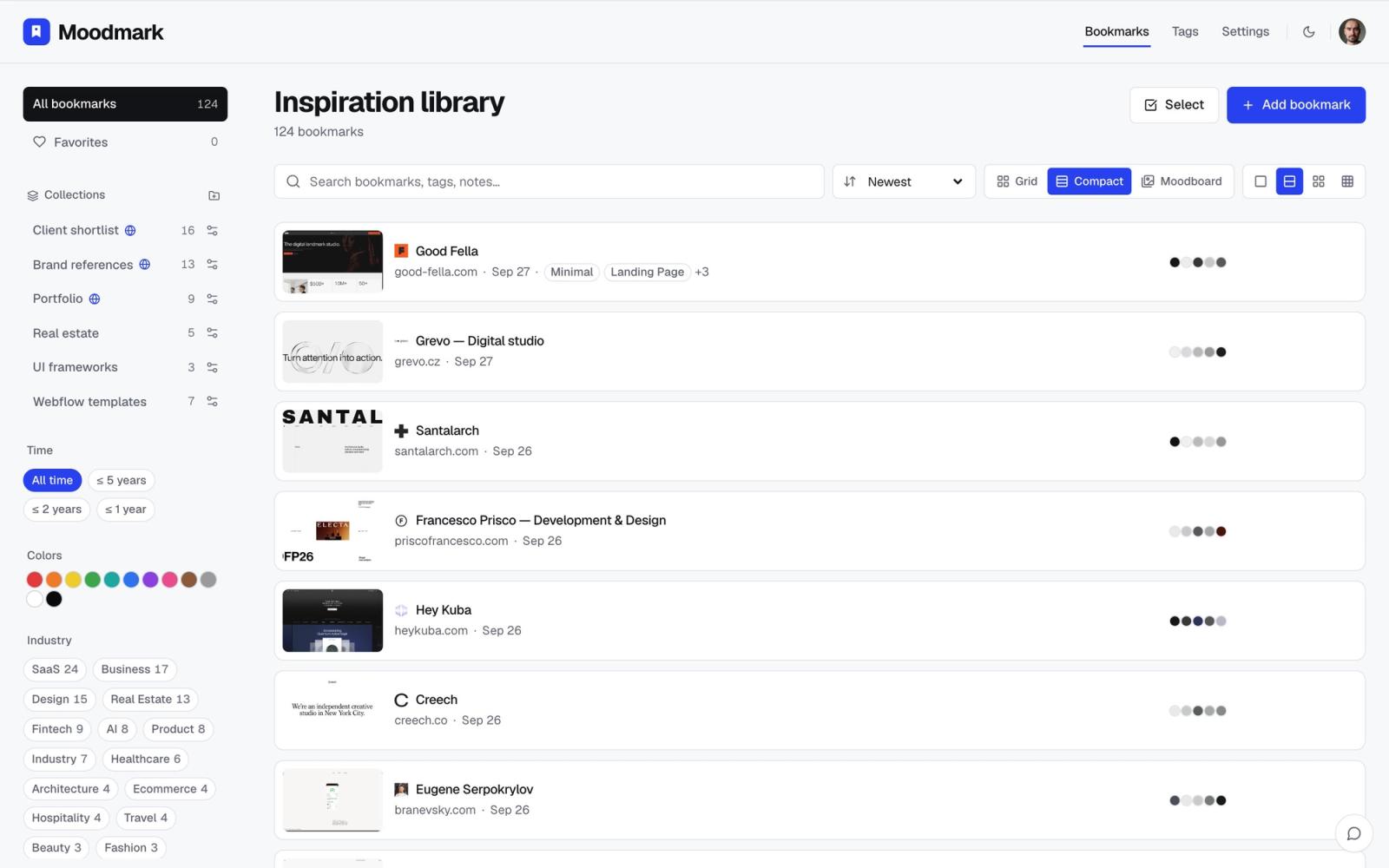
Style tagging pays off even more once a library passes a hundred or so saved sites, because that's the point where a flat list stops being skimmable and tags become the only realistic way to navigate it. A list view that shows the tags and palette next to each entry lets you scan for a mismatch, say a reference tagged Minimal that's actually closer to Maximalist, and fix it in a click instead of letting the tag quietly go stale.
Turn a style filter into a moodboard
Filtering down to one style is also the fastest sanity check on a direction before you commit to it. Instead of reading a list of links, view the filtered results as a dense wall of screenshots and look at them together: if the set reads as coherent, the style tag is doing its job. If it doesn't, that's usually a sign the tag is covering two different looks and needs to split into two, for example a stark Swiss grid and a softer whitespace-heavy minimal site that both ended up tagged Minimal.
This is also the view worth sharing. A wall of references that all genuinely share a style reads as a direction in a way a folder of mixed bookmarks never will, whether you're aligning with a client or just convincing yourself before you open a design file. Pull up the Brutalist set next to the Editorial set and the difference is obvious at a glance; try to make that same case with a list of ten URLs and you're stuck describing each one in words instead of just pointing at it.
A style tag also makes a better AI build prompt
Once a reference is tagged by style and carries its extracted palette and fonts, it's also sitting ready to become an AI build prompt if you're prototyping in a tool like v0, Cursor, Lovable or Bolt. A prompt built from a Brutalist, Dark reference with real color values gives the builder concrete direction; "make it modern" does not. This is a genuine bonus of tagging carefully, but it's a side effect, not the reason to do it. The reason to tag by style is still the everyday one: finding the right reference again in ten seconds instead of ten minutes.
FAQ
Questions & answers
What's the difference between tagging by style and tagging by industry?
Industry tags describe what a site sells; style tags describe how it looks. Two sites in unrelated industries can share the same style, and that's usually the match you're actually searching for.
How many style tags should I use?
Start with five to eight tags that describe the work you actually save, and add a new one only when a reference genuinely doesn't fit any existing tag.
Can I filter by more than one tag at once?
Yes. Combining a style tag with a color or industry tag narrows results further, for example Brutalist plus Dark, or Editorial plus a specific client.
Does AI tagging replace deciding the style myself?
No. AI tagging suggests style tags with a reason for each one, but nothing is added until you review and confirm, so the final call on what a reference looks like stays yours.
What if a reference fits two styles at once?
Apply both tags. A site can reasonably be both Minimal and Luxury, and overlapping tags are still fully searchable.
