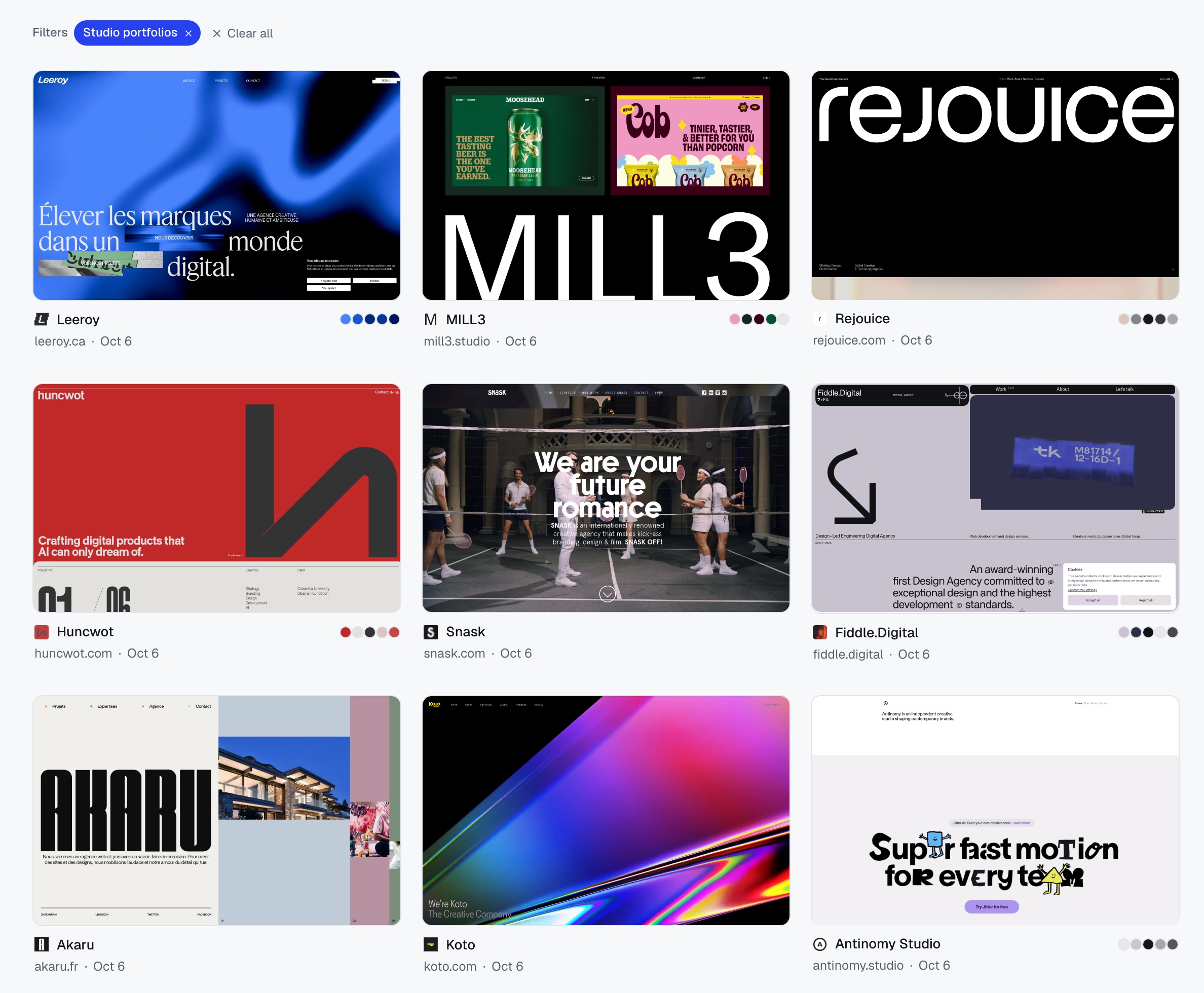
Ask Claude, Codex or Cursor for the websites you need. Your agent does the research; Moodmark captures every site and files it into a collection you can explore by colour and style.
“Find 18 studio and designer portfolios with bold editorial type and big imagery, like good-fella.com and heykuba.com. Open each one and check it has that look. Save them to Studio portfolios.”
18 sites saved to Studio portfolios
A real run with Claude through the Moodmark MCP server, 6 October 2026.
Works withClaude CodeCodexCursorClaude DesktopWindsurfany MCP client
HOW IT WORKS
One sentence in. A filed collection out.
01
You describe the look
Name a few references and the traits you care about. Say which collection it should land in.
You
“Studio portfolios with bold editorial type, like good-fella.com. Check each one.”
02
Your agent researches
It searches, opens every candidate and keeps only the sites that really match.
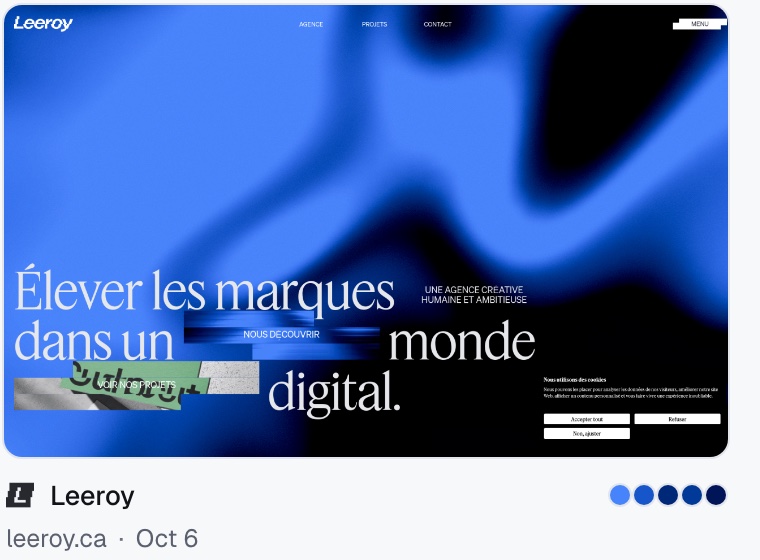
Leeroyleeroy.ca
MILL3mill3.studio
Huncwothuncwot.com
A studio site stuck on its loader
Kotokoto.com
03
Moodmark files it
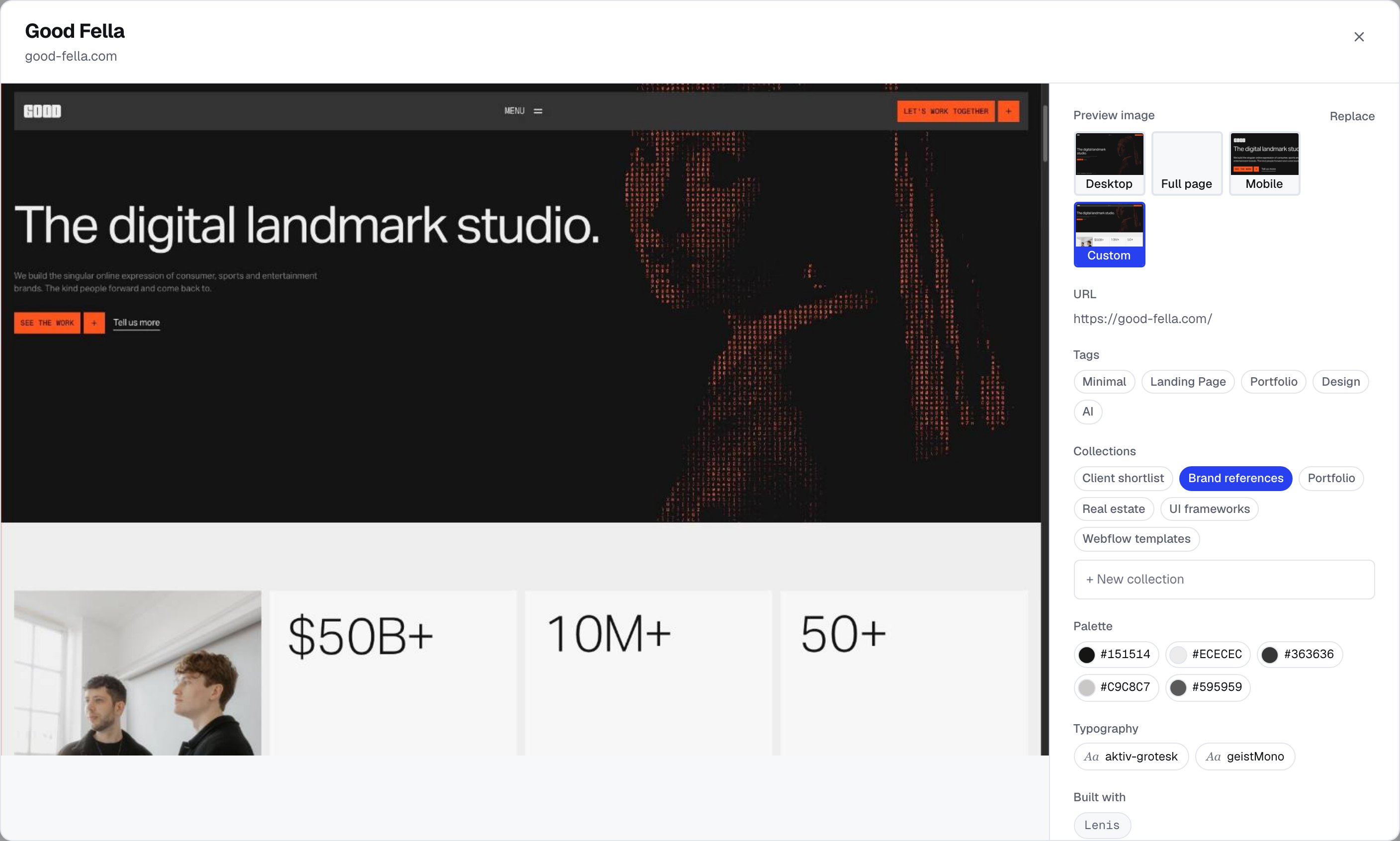
Screenshot, palette, fonts and tech for every site, in one collection you can filter.
WHAT TO HAND OVER
The tedious half of design research.
Research a style
Describe the look, name two references, and get a verified collection instead of thirty open tabs.
Find 20 product sites with dark heroes and big serif headlines, like linear.app. Open each one, save them to “Dark heroes”.
save_websites
Audit a market
Collect a client’s competitors in one place, then ask what they all do the same and where the gaps are.
Save the 12 main competitors of [client] to “[Client] market”, then summarise their colours, type and hero layouts.
save_websitessearch_library
Present to a client
Tag the shortlist, add a note on why each site is there, and send one link the client can browse and vote on.
Tag everything in “Fintech research” with a dark hero as Dark, then share the collection with me.
update_bookmarksshare_collection
Premium
From a saved site to a build prompt
Ask your agent for a design.md and it comes back with colour roles from the real palette, type, layout, page structure and a paragraph you can paste straight into v0, Cursor, Lovable or Bolt.
Make a design.md from Leeroy, then build me a hero in that style.
get_design_brief
design.mdgenerated from leeroy.ca
# Design brief: Leeroy
**Vibe:** creative · dynamic · bold

## Paste this into your AI builder
Recreate a page with a creative, dynamic,
bold feel. Colors: background #4783FA,
accent #002878, text #FFFFFF. Layout:
asymmetrical, overlapping elements…

## Color palette
#4783FA  #1656CA  #002878
#013998  #001458

## Page structure
1. Sticky nav with logo + menu
2. Hero: large headline, subtext
3. Highlighted project section with images
4. Call to action with button

## Design tokens: Tailwind
colors: { background: "#4783FA",
  accent: "#002878", ink: "#FFFFFF" }
No. Your agent does the research with its own tools (web search, browsing). Moodmark is where the results land: captured, tagged and filed in a collection you can filter by colour, style and industry.
Can an agent delete anything?
No. Agents can save, search, add tags and notes, and file sites into collections, but nothing they do removes anything: deleting, untagging and renaming stay in the app. Every token can be revoked in Settings, and it stops working immediately.
Does it work on the free plan?
Yes. Agent saves count toward the free plan’s 50 bookmarks like any other save; Premium removes the limit and adds design.md briefs.
Which agents work with it?
Anything that speaks MCP: Claude Code, Codex, Cursor, Windsurf, VS Code agents and Claude Desktop (through the mcp-remote bridge). For scripts and automations there is a plain REST API with the same token.
How do I get better results?
Name two or three reference sites, describe what you could point at on a screenshot (big serif headlines, full-bleed photos), and tell the agent to open and check each site before saving. Without that last line agents list sites from memory.
Where do I get a token?
In the app: Settings → API & agents → Create token. The token is shown once; Moodmark stores only a hash of it.
Give your agent a place to put good taste.
Start with 50 free bookmarks, then connect your agent from Settings.
Start freeNo credit card. Revoke a token any time.